
The Good, The Bad, and the Blurry
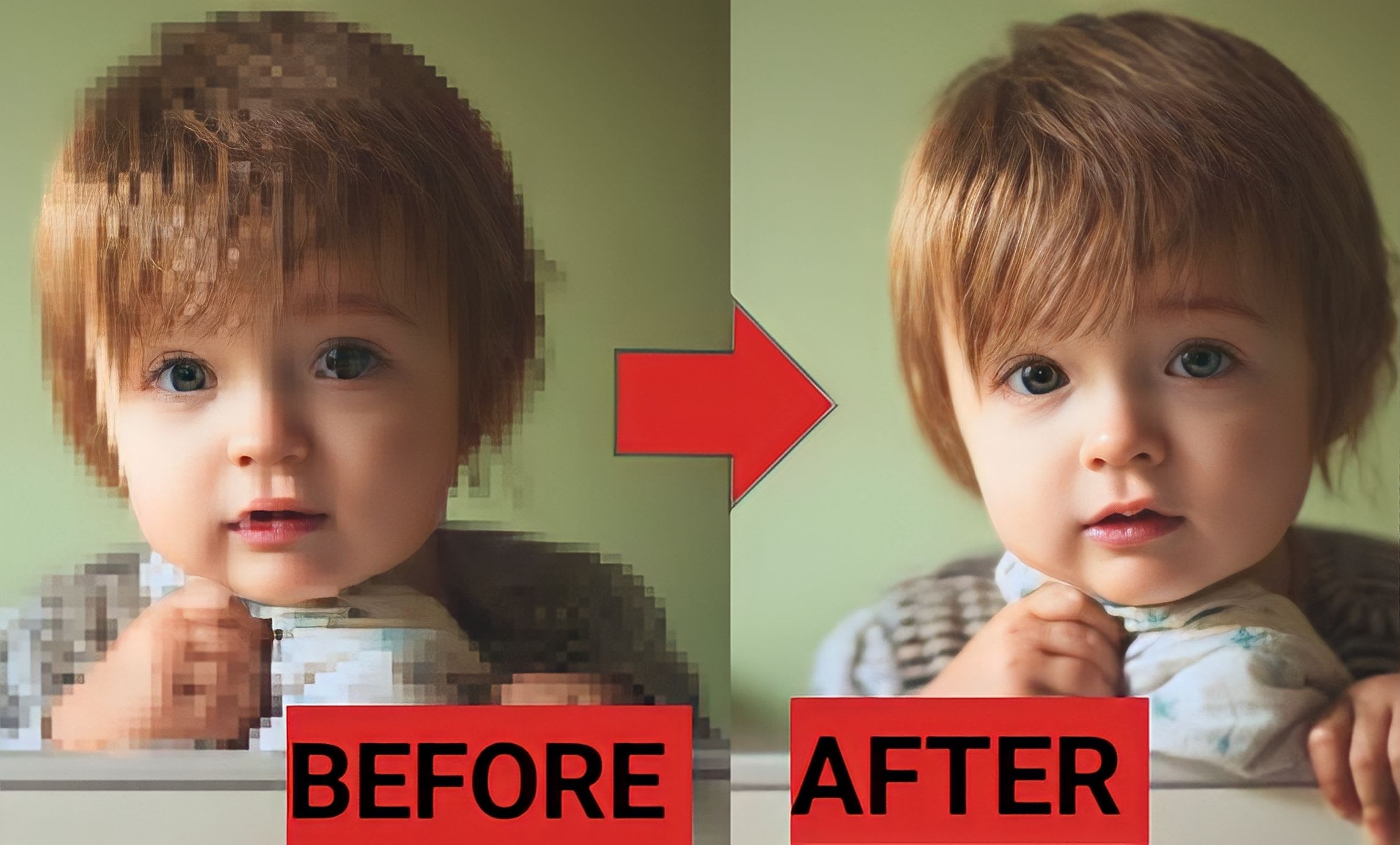
Have you ever gazed upon a fuzzy photo and thought, “What on earth is that?” Maybe it’s an old family picture you cherish or an important screenshot that holds crucial info. Trying to unblur image free online sounds like a dream come true, but what are you really getting into? Let’s dive into the pros and cons of using these magical free online tools.
Pros
Saving Those Pennies
Firstly, the sheer fact that these tools are free is a monumental boon! Not everyone has the extra cash to invest in pricey software. Being able to fix blurry images without breaking the bank? Absolute win.
Ease of Use
Most free online tools are designed to be incredibly simple. Drag your image, drop it, click a button or two, and voilà! You’ve got a less blurry image. No need to learn complicated software or tediously fine-tune settings. It’s like making instant coffee – quick, easy, and pretty darn satisfying.
No Download Necessary
And guess what? No downloads! Who enjoys cluttering their hard drive with unnecessary programs? Using an online tool means keeping your computer clutter-free. Plus, you can unblur your image on-the-go, even if you’re lounging in a café with nothing but your laptop.
Various Options
There’s a plethora of tools out there. From standard unblurring to sharpening and enhancing images, the variety is vast. Picture trying on different glasses to see which one gives you the clearest vision. You get to experiment and find the right fit for your image’s needs.
Cons
Quality Hiccups
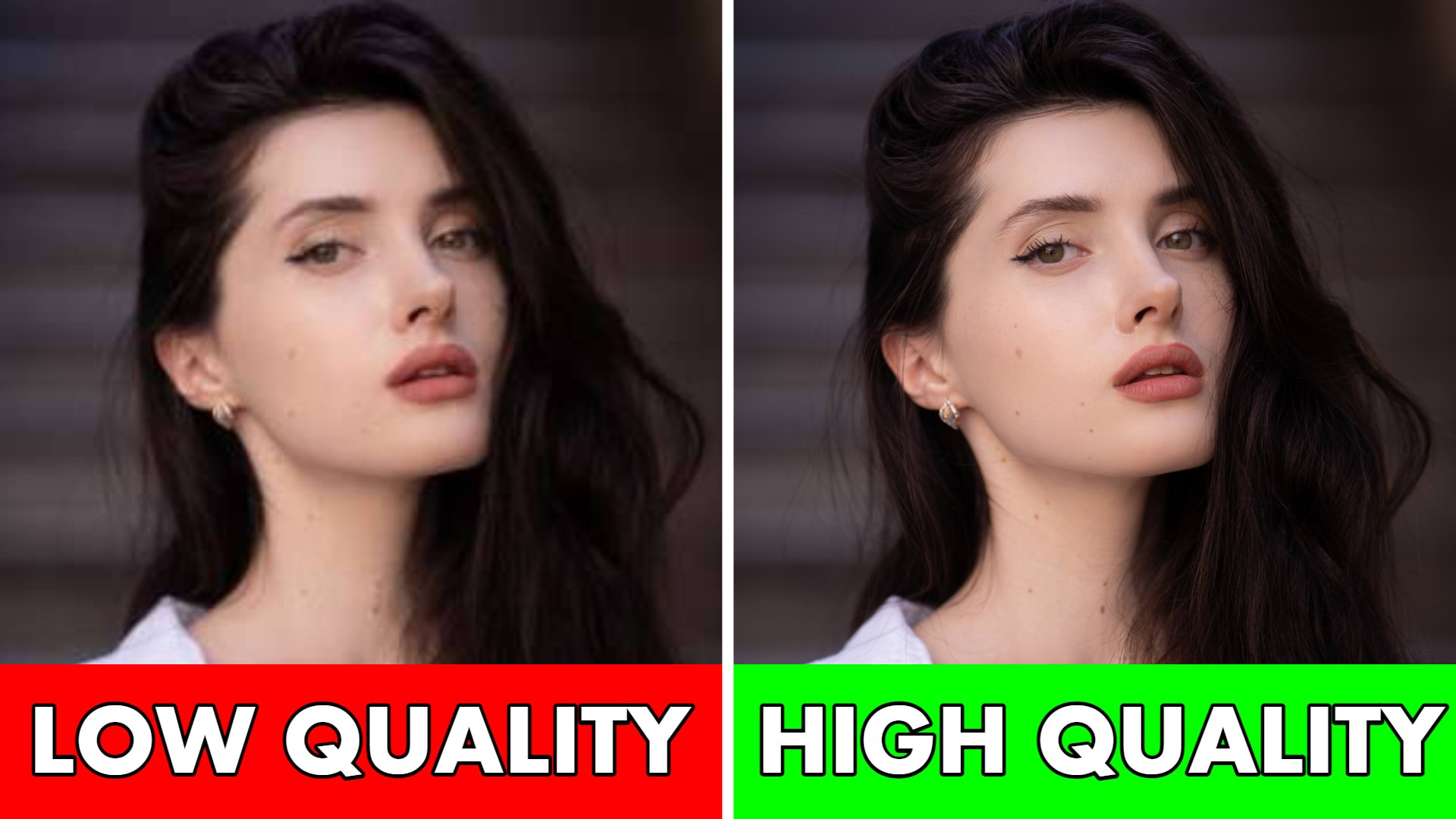
Now, onto the nit-picky bits. The quality of the final image is often hit or miss. Free tools can occasionally resemble a botched paint job rather than a polished restoration. There’s a good chance you could end up with an image that looks more like a Monet painting than the original photo.
Privacy Concerns
Free online tools usually mean uploading your image to a server somewhere. This can be a double-edged sword. While it’s convenient, there’s the off-chance your image privacy could be compromised. Sharing personal or sensitive content on the web is always a gamble.
Watermarks and Ads
Here comes an annoyance many have experienced – watermarks. You use a free tool only for your unblurred masterpiece to be marred by a glaring watermark. Some sites may also bombard you with questionable ads, pop-ups, or demand sign-ups. It’s like getting an attractive gift wrapped in a garish paper you didn’t ask for.
Limited Features
Free tools gift you the basics – unblur, sharpen, maybe some color correction. But they lack the advanced features found in paid software. If you need precision, multiple edits, or layer adjustments, it’s like trying to sculpt a marble statue with a plastic spoon.
Internet Dependency
Imagine this: you’re in the middle of a crucial unblur task, and bam! The Wi-Fi crashes. Using online tools means relying heavily on a stable internet connection. Spotty network? Say goodbye to your editing spree.
A Dialogue For the Curious
Curious Individual: “Any luck with that old family photo?”
Savvy Tech Friend: “Using a free online tool! It’s a 50-50 shot though. Might turn Grandpa into a Picasso.”
A Practical Guide
We’ve all been there—snapped a perfect photo only to find it’s blurry. Whether it’s that once-in-a-lifetime sunset, or a hilarious moment among friends, a blurred picture can feel like a missed opportunity. Now you just want to unblur image free online without hassle. Let’s dive right in and tackle the beast.
First things first, identify why the image is blurry. There are different kinds of blurs, each requiring a different touch. Is it motion blur from a shaky hand? Or maybe a focus issue? Pinpointing the blur type makes the unblurring game smoother.
Now, onto the tools. Ah, where to begin? There are plenty of online tools that offer to unblur for free. A simple search will dish out lots of websites promising magic. But, like picking the best apple from a bunch, you need to be picky.
Let’s take online platforms like Fotor and PineTools. These tools often have easy-to-use interfaces, making them beginner-friendly. You just upload your image, tweak a few settings, and voila! Your image is sharper. But beware, not all tools are created equal. Some may overprocess your picture, making it look like a Monet painting gone wrong.
Or consider SmartDeblur. This tool gives a bit more control with options to adjust the radius and smoothness. The settings might seem like a foreign language at first, but don’t let that scare you. Tinker with them, and you’ll soon see magic unfolding. It’s sort of like cooking; add a pinch here, a dash there, and suddenly, you’ve got a feast.
When sharpening your image, lower the expectations a tad. An overly blurred picture won’t become crystal clear like a mountain stream, no matter which tool you use. But hey, making it better than before is still a win, right?
There’s another trick in your toolkit, and that’s layering. Use multiple tools together. That’s right, start with one, get the best out of it, save the image, and then use another tool on the saved version. It’s like peeling layers off an onion to get to the good stuff inside.
Oh and lighting! Adjusting the brightness and contrast before trying to sharpen makes a difference. It’s like washing a window before you look through it. You can see what you’re dealing with better.
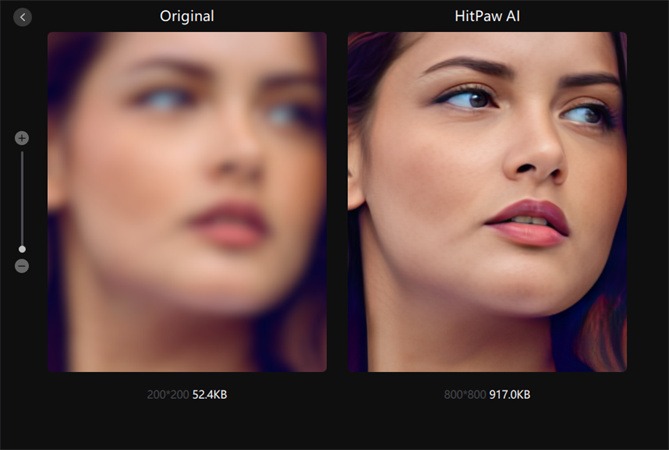
Let’s not forget AI-powered tools. As daunting as that may sound, they often do a pretty decent job. Enhance.Pho.to and Let’s Enhance are two to explore. These tools use algorithms to predict and correct the blur, producing results that can be surprisingly good.
“But do these really work?” I hear you asking. Short answer: mostly. Long answer: don’t expect perfection. Some images just don’t want to be saved. It’s like trying to herd cats. They simply refuse to cooperate.
Now a little humor to lighten the load. Remember, even professional photographers have their share of blurry shots. They just don’t show us the outtakes. So, don’t beat yourself up over a blurry photo or two.
