
AI Remove Blur in Mobile Apps Best Tools for On-the-Go Image Editing
In the age of Smartphone photography, capturing those perfect moments can be hindered by the occasional blurry photo. Whether it’s due to shaky hands, fast-moving subjects, or low-light conditions, blurred images can be a major disappointment. Thankfully, artificial intelligence (AI) has revolutionized the way we edit photos, and there are now a plethora of mobile apps that can effortlessly remove blur and restore sharpness to your images.
Understanding AI-Powered Blur Removal
Traditionally, removing blur from photos required complex software and a considerable amount of editing expertise. However, AI has changed the game by utilizing sophisticated algorithms to analyze blurred images and intelligently reconstruct missing detail. These algorithms can identify the causes of blur and apply targeted corrections to bring your photos back into focus.
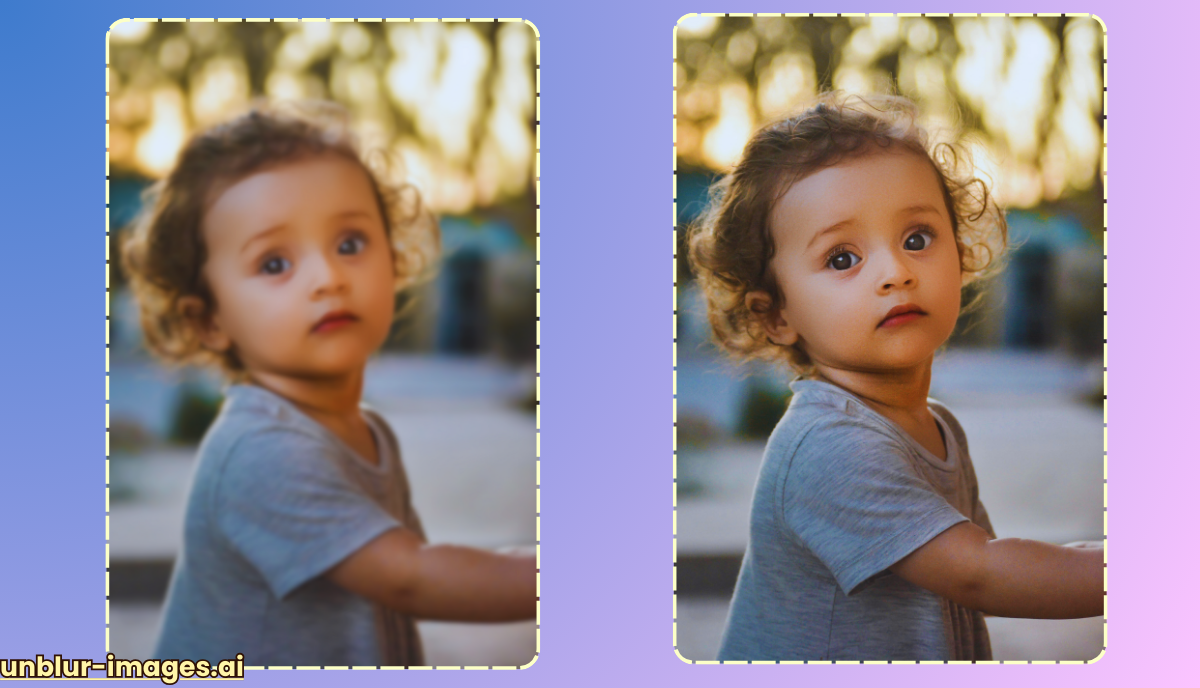
Best AI-Powered Mobile Apps for On-the-Go Image Editing
1.Enhance Photo Quality
- Overview: This versatile app is a powerhouse for enhancing photos, offering a suite of tools including AI-powered blur removal, noise reduction, and upscaling.
- Features:
- AI Sharpness: Effectively removes blur caused by camera shake or motion.
- AI Denoise: Reduces noise and grain in low-light photos.
- AI Upscale: Enhances resolution for sharper details.
- Color Correction: Adjusts colors and tones for a polished look.
2. Photo Director
- Overview: A popular choice for both beginners and experienced editors, Photo Director offers a wide array of editing tools, including robust AI-powered options.
- Features:
- AI Deblur: Removes motion blur and camera shake.
- AI Sky Replacement: Effortlessly replaces dull skies with stunning scenes.
- AI Object Removal: Erases unwanted elements from photos.
- Content-Aware Removal: Intelligently fills in gaps after object removal.
3. Remini
- Overview: Remini has gained fame for its ability to restore old and damaged photos. It also excels at enhancing faces and reducing blur in modern shots.
- Features:
- Enhance: Improves overall photo quality, including sharpness and detail.
- Enhance+: Offers even more powerful enhancement capabilities.
- Video Enhance: Extends AI enhancement to videos.
4. YouCam Perfect
- Overview: A favorite among selfie enthusiasts, YouCam Perfect boasts a range of beauty tools and AI-powered enhancements for perfect portraits.
- Features:
- Blur: Can be used in reverse to sharpen images and remove blur.
- Beautify: Smooths skin, removes blemishes, and enhances facial features.
- Collage: Creates fun and creative photo collages.
5. Picsart AI Photo Editor
- Overview: Picsart is known for its creative editing tools, and its AI integration adds a new dimension of ease and power.
- Features:
- AI Enhance: One-click solution for improving overall image quality, including sharpness and noise reduction.
- AI Background Removal: Easily isolates subjects from their backgrounds.
- AI Replace: Replaces specific elements within a photo.
These are just a few of the many excellent AI-powered mobile apps available for image editing. Experiment with different apps to find the one that helps you achieve your desired results.
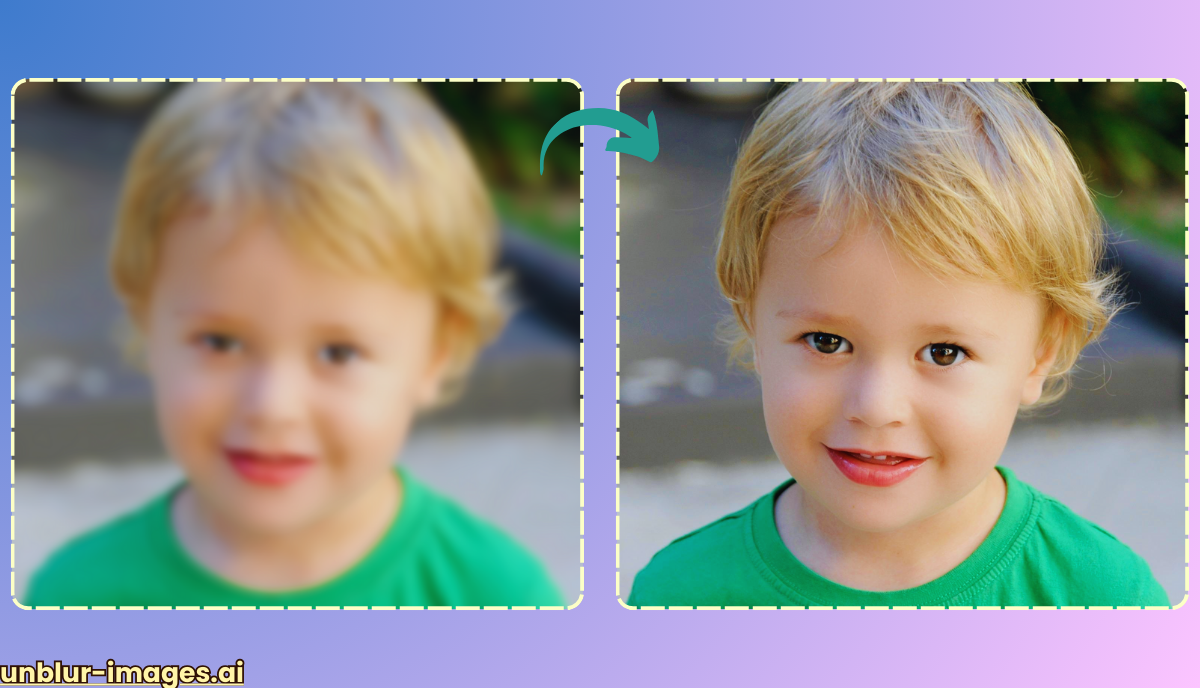
How to Choose the Right App
With so many AI-powered blur removal apps available, choosing the right one can be overwhelming and these are a few factors to consider:
- Ease of Use: Look for an app with an intuitive interface that doesn’t require a steep learning curve.
- Features: Consider whether you want an app that focuses solely on blur removal or one that offers a broader range of editing tools.
- Image Quality: Pay attention to the app’s ability to maintain image quality while removing blur. Some apps may introduce artifacts or noise in the process.
- Cost: While many apps offer free versions, some may require a subscription or in-app purchases to unlock their full potential.
Tips for Optimal Blur Removal
- Choose Your Photos Wisely: AI blur removal works best on photos with mild to moderate blur. Heavily blurred images may not be fully recoverable.
- Select the Right Tool: Most apps offer different blur removal options. Experiment with them to find the one that suits your specific image.
- Don’t Overdo It: It’s tempting to push the blur removal to the maximum, but this can lead to unnatural-looking results. Use a light touch and aim for a natural level of sharpness.
- Adjust Settings: Many apps allow you to fine-tune the blur removal settings. Experiment with them to achieve the best possible outcome.
- Save a Copy: Always save a copy of your original image before applying blur removal, just in case you want to revert back to it.

The Future of AI in Mobile Photo Editing
The integration of AI into mobile photo editing apps is still in its early stages, but it has already transformed the way we enhance our images. As AI algorithms continue to evolve, we can expect even more powerful and sophisticated tools for removing blur and other imperfections from our photos.
In the future, AI could even anticipate and correct blur in real-time as we take photos, ensuring that every shot is perfectly sharp. The possibilities are endless, and it’s exciting to think about how AI will continue to revolutionize the world of mobile photography.
Conclusion
AI-powered blur removal has democratized photo editing, making it accessible to everyone with a smartphone. Whether you’re a casual photographer or a professional, these apps can help you rescue those precious memories that were once marred by blur. So, next time you capture a blurry photo, don’t despair – simply reach for your smartphone and let AI work its magic.
FAQs
- Can AI completely remove blur from any photo?
While AI has made remarkable strides in blur removal, it’s not always a magic bullet. The effectiveness of AI blur removal depends on the severity and type of blur. Mild to moderate blur caused by camera shake or slight motion can often be significantly reduced or even eliminated. However, heavily blurred images or those with complex blur patterns may not be fully recoverable. It’s important to set realistic expectations and understand that AI can enhance, but not always completely restore, severely blurred photos.
- Are AI blur removal apps free to use?
Many AI blur removal apps offer free versions with basic features, but often with limitations such as watermarks or restrictions on the number of edits. To access the full range of tools and features, you may need to subscribe to a premium version or make in-app purchases. It’s worth exploring the different options and comparing their features and pricing to find the app that best suits your needs and budget.
- Can I use AI blur removal on professional photos?
Absolutely! AI blur removal apps are not just for casual smartphone photos. Professional photographers can also benefit from these tools, especially for quick fixes on the go. Whether it’s a slightly shaky shot from a wedding or a portrait with a touch of motion blur, AI can help salvage valuable images. However, for high-stakes professional projects, it’s always recommended to use professional-grade software and techniques for the most precise and controlled results.
